0
          years helping organisations manage their IT
          1st–3rd
          line support through one managed helpdesk
          2
          local offices covering Manchester and the North West
          1
          dedicated account manager for service and planning

          01

          Small businesses need IT ownership, not a collection of emergency fixes

          When a business is small, IT often belongs to whoever is most confident with a laptop. That can work for a while. It stops working when the company adds staff, Microsoft 365 licences, shared data, remote devices, suppliers and compliance requirements.

          The problem is rarely one dramatic fault. It is the accumulation of smaller gaps: leavers who still have access, backups nobody has restored, laptops missing updates, licences renewing without review, shared passwords, undocumented Wi-Fi and a managing director who becomes the escalation point for every technical issue.
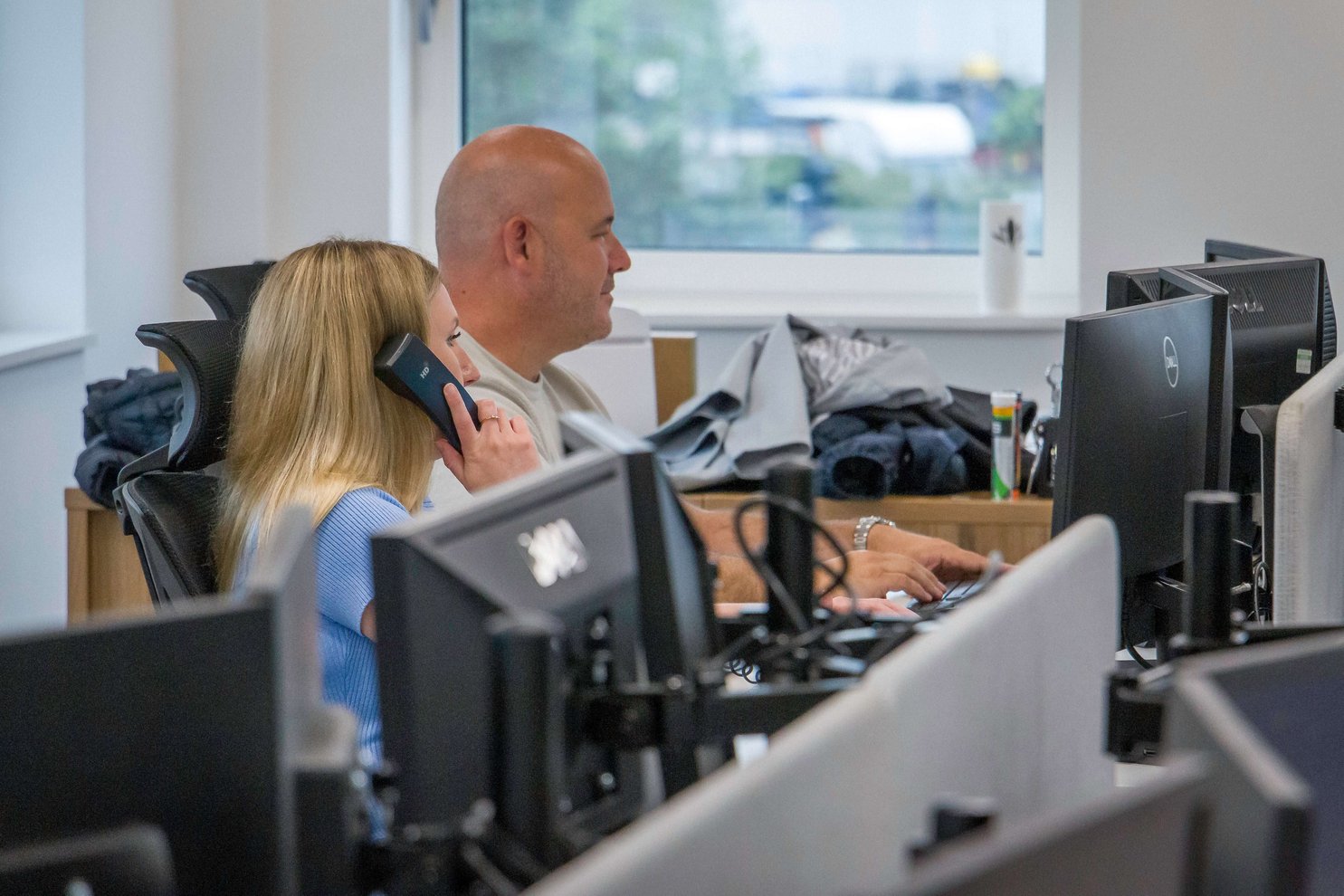
          Remedian team delivering managed IT support for Manchester small businesses
          A local team gives your business clear ownership of support, security and future IT decisions.

          What changes with managed support

          • Staff know where to report an issue and can speak to a real helpdesk.
          • User accounts, devices, licences and suppliers have an owner.
          • Security, backup and monitoring are reviewed as part of normal operations.
          • Projects are planned around business priorities instead of rushed after a failure.

          This page focuses on the needs of smaller firms. For the full service model and technical scope, see our Managed IT Support pillar page.

          02

          What managed IT support includes for a small business

          A useful support agreement should say exactly who owns each part of the environment. It should not hide behind phrases such as “all-inclusive” while excluding routine administration or charging separately for every change.

          Helpdesk support

          Password resets, email, printing, applications, device faults, access issues and everyday user support.

          Device and user management

          New starters, leavers, laptops, desktops, mobile devices, permissions and software deployment.

          Microsoft 365 administration

          Licensing, Exchange Online, Teams, SharePoint, OneDrive, security settings and tenant management.

          Cyber security

          Endpoint protection, patching, MFA, email security, monitoring, awareness and incident procedures.

          Backup and recovery

          Backup configuration, monitoring, restore testing and recovery planning for important systems and data.

          Onsite engineering

          Physical faults, installations, cabling, networks, office changes and work that cannot be completed remotely.

          Hardware and suppliers

          Specification, procurement, setup, warranties, broadband and coordination with third-party vendors.

          Account management

          Service reviews, recurring issues, renewals, projects, budgets and a practical IT roadmap.

          Our IT Support Manchester page explains the local coverage. This page explains how the service works for a small business.

          03

          A helpdesk for everyday issues, with engineers when remote support is not enough

          Most user problems can be diagnosed remotely. That is faster than waiting for a visit and lets the helpdesk gather useful information before a fault is escalated. The important part is having a clear route from first-line triage to more experienced engineers.

          Support level Typical work
          First line Passwords, email, printing, basic Microsoft 365 issues, user guidance and initial diagnostics.
          Second line Complex application faults, device configuration, permissions, networking and deeper troubleshooting.
          Third line Servers, cloud architecture, cyber incidents, migrations, infrastructure changes and major technical projects.

          Onsite support is used when somebody needs physical access to a device, switch, firewall, server room or office. That includes hardware replacement, Wi-Fi work, office moves, installations and faults that cannot be reproduced remotely.

          Good support should leave a record

          Every meaningful change should be documented. The ticket should show what was reported, what was checked, what changed and the outcome. That record makes repeat faults easier to solve and stops technical knowledge living only in one person’s head.

          Businesses that only need occasional remote assistance can also review our Remote IT Support service.

          04

          Microsoft 365 management that covers more than licences and password resets

          Microsoft 365 is usually the centre of a small business: email, files, Teams meetings, shared documents, identity and increasingly AI tools such as Copilot. Poor permissions or unmanaged accounts can expose far more than one mailbox.
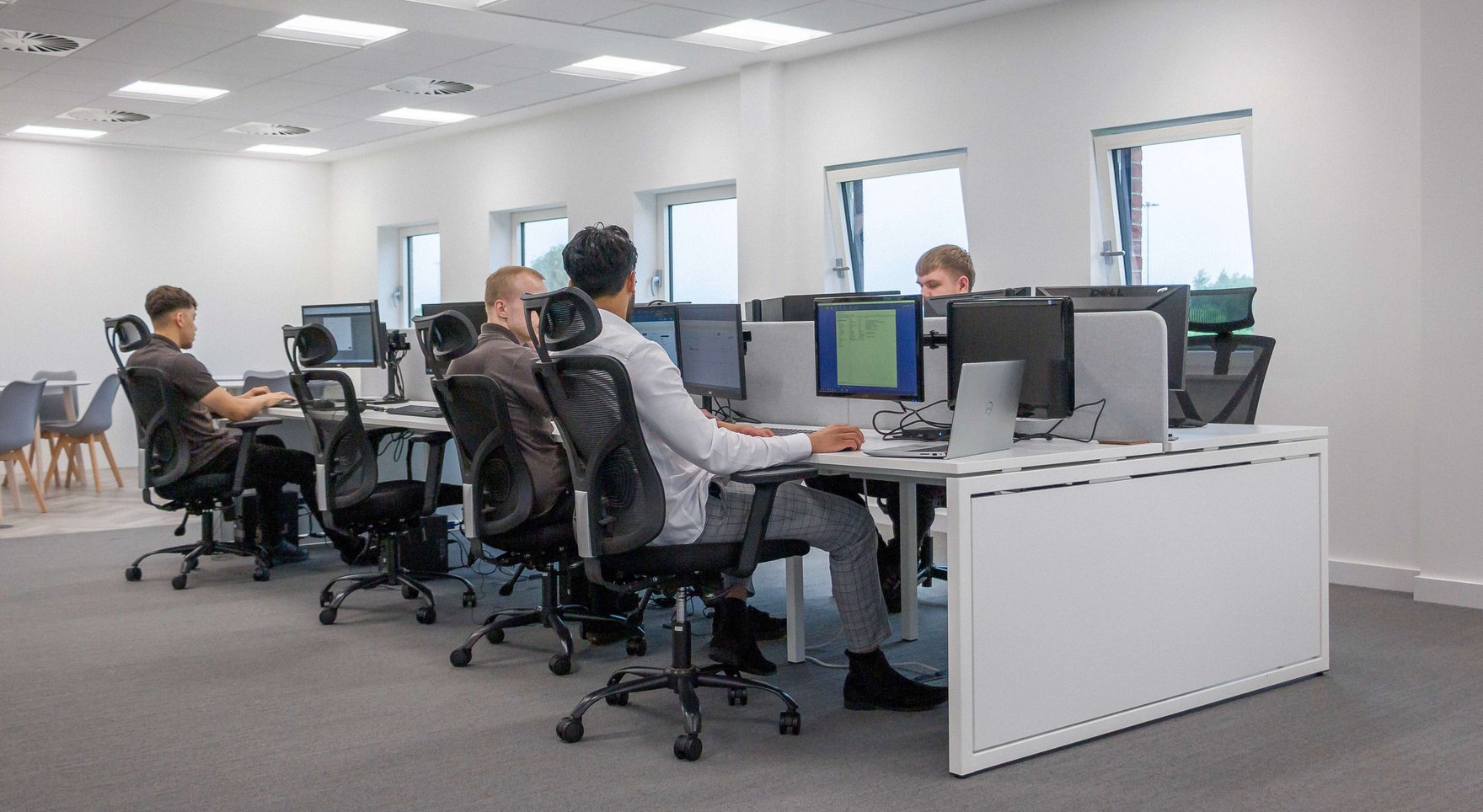
          Microsoft 365 and cloud support for small businesses in Manchester
          Microsoft 365 needs active administration, security review and user lifecycle management.
          Users and licences

          Create and remove accounts, review licences, manage aliases and prevent leavers retaining access.

          Email and collaboration

          Exchange Online, Teams, SharePoint, OneDrive, shared mailboxes and permissions.

          Identity and devices

          Multi-factor authentication, security defaults, Conditional Access where appropriate, Intune and device policies.

          Data governance

          Sharing controls, retention, sensitivity, external access and preparation for Microsoft Copilot.

          Microsoft recommends MFA and other security controls for Microsoft 365 business environments. Microsoft’s business security guidance provides the technical baseline.

          For automation and Copilot projects, see our AI Solutions page.

          05

          Cyber security for a small business has to be built into everyday IT

          Security is not a separate product added after the support contract. The same team managing user accounts, devices, patches and Microsoft 365 is already making security decisions every day.

          IdentityMFA, separate administrator accounts, sensible permissions and rapid removal of leavers.
          DevicesEndpoint protection, disk encryption, patching, supported operating systems and device control.
          EmailSpam protection, phishing controls, domain security and staff awareness.
          NetworkManaged firewalls, secure Wi-Fi, remote access controls and documented configuration.
          MonitoringAlerts that somebody reviews, with an agreed route for investigation and escalation.
          RecoveryBackups, restore tests, incident contacts and a realistic recovery plan.

          The NCSC’s Small Organisations Guide covers practical steps around backups, devices, accounts and scams. Our Cyber Security page explains how we put those controls into a wider managed service.

          Businesses needing a recognised baseline can also review Cyber Essentials and independent Penetration Testing.

          06

          Backup, monitoring and business continuity must be tested, not assumed

          A backup job showing “successful” does not prove the business can recover. Somebody must know what is protected, where the copies are stored, how long recovery could take and whether the data can actually be restored.
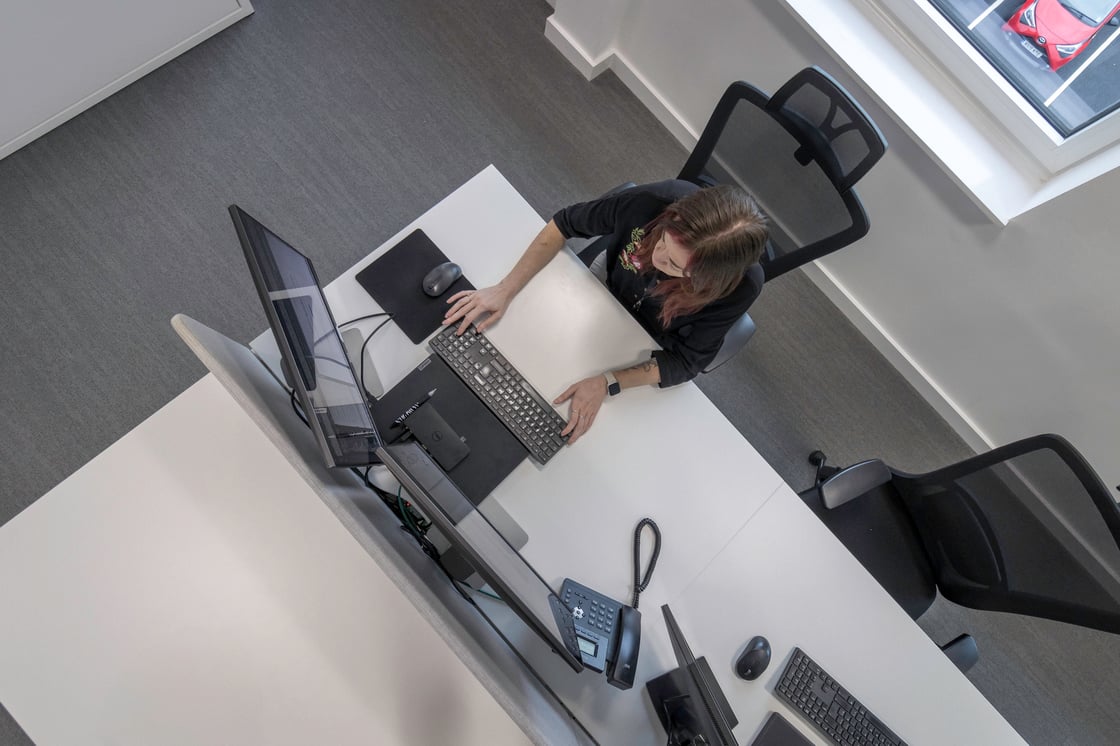
          New Office May 2024 016
          Support, monitoring and recovery planning should operate as one service.
          Backup ownership

          Define which servers, cloud services, files and applications are protected, and who reviews failures.

          Restore testing

          Test representative files and systems so the recovery process is known before an incident.

          Monitoring

          Track servers, storage, internet connections, security alerts and other agreed critical services.

          Recovery priorities

          Decide what must return first, acceptable downtime and who can make decisions during disruption.

          The NCSC recommends keeping reliable backups and planning for recovery. See our Secure Backup service and Server Support and Monitoring.
          07

          Hardware, networks and connectivity that are planned around the business

          Small businesses often inherit a mix of consumer hardware, old laptops, unmanaged switches and broadband that was chosen when the company had half as many people. It works until growth exposes the weak point.

          Computers and devices

          Specify, supply, configure and maintain hardware with standard builds, warranties and asset records.

          Networks and Wi-Fi

          Managed switching, secure wireless, firewalls, guest access and coverage that matches the premises.

          Broadband and leased lines

          Choose connectivity based on users, cloud reliance, voice traffic, resilience and realistic growth.

          Office changes

          Coordinate moves, new starters, cabling, printers, meeting rooms, phones and supplier work.

          Connectivity options are covered in more detail on our Broadband and Leased Lines page. Hardware decisions should be documented in the same roadmap as licences, security and replacement cycles.

          08

          A dedicated account manager turns support data into an IT plan

          A helpdesk handles today’s fault. The account manager looks at the pattern behind the faults and what the business will need next.

          What the account manager should own

          • Regular service reviews and recurring-ticket analysis.
          • Outstanding risks, ageing hardware and unsupported systems.
          • Microsoft 365 licensing, supplier renewals and avoidable cost.
          • Planned projects, office changes and business growth.
          • Cyber security priorities and progress towards Cyber Essentials where relevant.
          • A budgeted roadmap rather than a list of surprise replacements.

          This also gives directors one person to challenge when priorities are not moving. Technical work still goes through the appropriate engineers, but ownership remains clear.

          09

          Who this service is built for

          The model suits businesses that rely on IT every day but do not want to recruit and manage a complete internal department. It also works for firms with one internal IT contact who needs additional capacity or specialist escalation.

          Professional services

          Accountants, solicitors, consultants and other firms handling confidential client information.

          Manufacturing and engineering

          Office systems, production connectivity, remote sites, suppliers and ageing infrastructure.

          Charities and membership organisations

          Mixed users, funding constraints, shared data and the need for clear access control.

          Growing owner-managed businesses

          Teams adding staff, locations, cloud tools and compliance requirements faster than their IT processes.

          We also provide dedicated pages for Accountants, Solicitors and Insolvency Practices.

          10

          Switching IT provider should be a controlled handover, not a leap of faith

          A business can change support company without losing access or creating a gap in service, but only when the handover is managed carefully.

          Stage What should happen
          Discovery Confirm users, devices, sites, Microsoft 365, domains, servers, networks, suppliers, licences and current risks.
          Access Secure administrator accounts, ownership of domains, backup consoles, firewalls, portals and third-party services.
          Documentation Record configurations, contacts, warranties, open issues and anything the outgoing provider cannot evidence.
          Transition Deploy support tools, brief staff, test escalation routes and agree which work moves first.
          First review Prioritise urgent risks, quick wins and the first 90 days of the roadmap.

          We do not need the outgoing provider criticised. We need the environment understood, the access secured and the business able to operate throughout the change.

          11

          What existing organisations say about Remedian

          Ashworth Electrical Services

          “As a long-term client of Remedian, Ashworth Electrical Services have nothing but the highest praise for their assistance in managing our IT systems.”

          Analytical Technology

          “Remedian have been our IT support providers now for almost 6 years. During that time they have demonstrated a high level of customer service and value for money support and IT equipment.”

          Breakey & Nuttall

          “Remedian have helped us grow into the company we are today. The standard of service and expertise Remedian provide us with is second to none, whether it is remote helpdesk support or onsite maintenance.”

          Oldham Coliseum Theatre

          “The service Remedian provide is professional and efficient. The staff are always helpful and friendly.”

          See more customer work and longer examples on our Case Studies page.

          12

          Book a small-business IT support review

          We will look at how support works today, who owns Microsoft 365 and security, where recurring issues sit and what would need to happen before changing provider.

          • Helpdesk and escalation requirements
          • Users, devices, locations and applications
          • Microsoft 365, security and backup ownership
          • Immediate risks and recurring support problems
          • Recommended support model and next steps
          Book your IT support review

          Prefer to speak first? Call 0330 66 00 281.

          13

          Frequently asked questions

          What does managed IT support include for a small business?+
          It can include a staffed helpdesk, device and user management, Microsoft 365 administration, monitoring, patching, cyber security, backup oversight, hardware advice, onsite engineering and a dedicated account manager. The exact scope should be written clearly into the support agreement.
          Can Remedian act as our complete outsourced IT department?+
          Yes. For many small businesses we handle day-to-day support, user changes, Microsoft 365, devices, suppliers, security, backup, projects and planning. Where a business has an internal IT contact, we can also work alongside them rather than replace them.
          Do you provide onsite IT support in Manchester?+
          Yes. Remote support resolves many everyday issues, while engineers can attend onsite for hardware faults, network work, office moves, installations and problems that need physical access.
          Do small businesses need a dedicated account manager?+
          A named account manager gives the business one person responsible for service reviews, recurring issues, priorities, renewals and the IT roadmap. It prevents important decisions from being buried inside individual support tickets.
          Can you manage Microsoft 365 for our business?+
          Yes. Support can cover licensing, user accounts, Exchange Online, Teams, SharePoint, OneDrive, multi-factor authentication, device management, permissions and security settings.
          How do you protect small businesses from cyber attacks?+
          Protection should combine secure configuration, multi-factor authentication, endpoint protection, patching, backups, email security, monitoring, staff awareness and clear incident procedures. Cyber Essentials can provide a practical baseline.
          Can you help us switch from another IT company?+
          Yes. A controlled handover should cover administrator access, domains, Microsoft 365, backups, networks, devices, suppliers, licences, documentation and open risks before the outgoing provider is removed.
          How much does small business IT support cost?+
          Pricing depends on the number of users and devices, locations, support hours, security requirements, existing infrastructure and whether onsite attendance is included. A discovery review is needed before giving a responsible fixed proposal.

          Useful guidance and related Remedian services

          1. NCSC: Small Organisations Guide to Cyber Security
          2. NCSC: Cyber Essentials overview
          3. Microsoft: Microsoft 365 for business security best practices
          4. ICO: Advice for small and medium organisations
          5. Remedian: Managed IT Support
          6. Remedian: Cyber Security
          7. Remedian: Secure Backup

          Remedian IT Services

          Discover what other services we offer.

          secure-server

          Secure Backup

          A Secure Backup Solution from Remedian I.T. keeps your personal and business data secure and encrypted; both on and offsite to get your business back up and running with the minimum of downtime.

          wifi-router

          Broadband & WiFi

          In our interconnected world your business needs to be online 24/7. Our managed broadband and WiFi will provide quick, quality connection to get the job done. Speak to our sales team to get connected.
          monitor-screen

          Connection Monitoring

          By monitoring your internet connection, we can detect any problems and respond to them before they become major issues, keeping you connected and working towards your goals.

          cctv-camera (1)

          Phone and CCTV Systems

          Digital phone systems provide you with premium features and flexible plans that grow with your business, from single handsets to full office installations. Ask us about an HD CCTV system and access control to monitor your premises and keep your offices as secure as your data.
          it-department

          Hardware

          Providing best value is what we are all about. When it comes to advice, supply and installation of new hardware we make sure you get the best options for your business. We can even arrange finance to help you spread the cost and manage your budgets.

          online-support

          Remote Support

          Our helpdesk team are on hand, from Monday to Friday 8:30am – 5:00pm, to provide free, friendly remote support to make sure you can get your IT back on track in no time.


          Small Business IT Support

          Testimonials

          As a long-term client of Remedian, Ashworth Electrical Services have nothing but the highest praise for their assistance in managing our IT systems.
          The service Remedian provide is professional and efficient. The staff are always helpful and friendly.
          Remedian have been our IT support providers now for almost 6 years. During that time they have demonstrated a high level of customer service and value for money support and IT equipment.
          Remedian have helped us grow into the company we are today. The standard of service and expertise Remedian provide us with is second to none, whether it is remote helpdesk support or onsite maintenance.
          The Remedian team have provided weekly on-site technician services and have also provided strategic direction in relation to the Trust's infrastructure which has been invaluable. When issues arise the Remedian team are fast to respond and are proactive in recommending solutions to mitigate any potential issues.