- Home
- IT Support For Schools
Less IT hassle. More teaching time.
IT support for schools and trusts across Manchester, Oldham and the North West. Your staff get a named onsite engineer, a dedicated account manager, a responsive helpdesk and a practical plan for the systems that keep lessons running.
We handle day-to-day support, Microsoft 365, Wi-Fi, filtering and monitoring, cyber security, backups, devices and long-term IT planning. You get fewer repeat problems and a clearer view of what needs doing next.
Book a school IT & security audit See how we work
01
Your school does not need more tickets. It needs fewer repeat problems.
When the same printer, whiteboard, Wi-Fi dead spot or account issue keeps returning, the problem is not the ticket. The problem is that nobody has had time, ownership or enough context to fix the cause.
That is what good school IT support changes. We learn how your school works, keep a record of the recurring faults and plan the work around term dates, teaching time and budgets. The aim is not to close more tickets. It is to stop the same disruption landing on the same staff member every week.
We prioritise faults that affect teaching, safeguarding, access to systems or whole-class technology before smaller admin issues.
Your school has a regular engineer and a wider education team behind them, not an anonymous call centre that has to relearn your site each time.
We turn technical issues into a practical roadmap: what is safe, what is ageing, what needs funding and what can wait.
We schedule the jobs that never get done during a busy term: device replacements, Wi-Fi changes, server tidy-ups, account reviews and backup tests.
02
The six DfE core standards need a practical owner.
The Department for Education expects schools and colleges to work towards six digital and technology standards by 2030. They are not a document to file away. They cover the infrastructure, governance and safeguards that decide whether your school can teach reliably and recover when something goes wrong.
We use the standards as a working checklist and build a realistic improvement plan around your site, budget and priorities. You can take that plan to SLT, governors or trustees without translating a technical report first.
What this looks like in practice
We identify the gaps, prioritise them by risk and disruption, then set out who owns the next action, what it costs and when it should happen. For deeper guidance, see our DfE digital funding and standards support and the DfE’s digital and technology standards guidance.
03
Support has to fit the school day, not office hours.
Schools cannot wait for a convenient window when a classroom cannot print, the interactive board is offline or a safeguarding system needs attention. The right support model has a familiar engineer onsite, quick remote help between visits and enough cover that holidays, sickness or staff changes do not leave you exposed.
A familiar face who knows the site, the staff and the recurring issues. They can resolve work in person and spot problems before they disrupt lessons.
Staff get fast support for everyday issues without worrying about call limits or whether a small issue is worth reporting.
Your support does not rely on one person being available. The wider education team has the documentation and context to keep moving, including planned work around school holidays.
One person owns the relationship, planned reviews, escalations and the wider roadmap. They keep the work moving and give you clear updates without making staff chase for an answer.
Our education bulletin explains the model simply: the named onsite engineer knows the school, the dedicated account manager keeps the relationship and roadmap joined up, and the wider Remedian education team provides capacity and cover behind them.
04
One education team for the work that keeps a school running.
Schools should not have to manage a separate company for Wi-Fi, another for backups, another for filtering and a fourth for Microsoft 365. We support the daily work and the long-term work together, so the decisions make sense across the whole environment.

Technology only helps when it is supported.
Classroom technology should not become a collection of devices that work until the first password reset, Wi-Fi issue or app update. We keep the accounts, network, devices and day-to-day support behind it in good order.
That gives staff more confidence to use the tools they have already invested in.
Explore our linked services: managed IT support, cyber security, Smoothwall Monitor and secure backup.
05
Filtering, monitoring and cyber security are safeguarding work.
Filtering and monitoring are not boxes to tick after the network is installed. They are part of how a school creates a safe online environment, responds to concerns and gives the safeguarding team information they can act on.
The DfE says schools and colleges should be meeting the filtering and monitoring standard now, while working towards all six core standards by 2030. The technical controls need to connect to named responsibilities, routine review and the school’s safeguarding process.
Age-appropriate policies, secure staff and pupil access, and a clear process for legitimate education content that needs reviewing.
Useful alerts and reports are reviewed by the right people. Hundreds of vague alerts that nobody owns are not safeguarding.
MFA, prompt patching, controlled admin rights, secure devices, backup protection and clean offboarding for staff and leavers.
We help the DSL, SLT and IT team review filtering and monitoring at least once each academic year, record the evidence and turn the findings into practical actions.
Work that supports the standard
We can support Smoothwall Monitor, map work into our Cyber Security service and use the DfE’s filtering and monitoring guidance as the benchmark for the plan. The right people in the school still own safeguarding decisions. We provide the technical evidence, checks and actions that help them do that properly.
06
Connect the Classroom starts with the network underneath it.
A modern classroom cannot run on weak Wi-Fi, ageing switches or a network that was built before every pupil had a device. The DfE’s Connect the Classroom programme improves school connectivity through upgrades to Wi-Fi access points and network switches.
The funding or upgrade is only part of the job. A good outcome needs a proper survey, coverage and capacity checks, secure configuration, clean cabling, managed switches and a plan for how the network will be supported afterwards.

We check wireless coverage, existing switches, cabling, comms cabinets, VLANs, security and the systems that will be affected by change.
Network work belongs in the right window. We plan implementation to avoid disrupting teaching, assessments and essential school systems.
New hardware still needs monitoring, firmware updates, documentation and a team who can support it when a fault appears.
Wi-Fi, switching, broadband resilience and security should move together, not as unrelated projects.
See our Connect the Classroom support and the DfE’s official Connect the Classroom guidance.
07
A trust needs one standard, not one-size-fits-all support.
The Academy Trust Handbook says trusts should understand how far they meet the six DfE digital and technology standards and work towards them by 2030.
A multi-academy trust cannot run every school as a separate IT island. You need central visibility of risk, procurement and standards. You also need each site to receive support that respects its staff, timetable, buildings and current position. Your dedicated account manager keeps the central relationship joined up, while named engineers keep local knowledge close to each school.
A clear view across the estate: device age, backup position, cyber priorities, recurring incidents, project status and DfE progress.
Named engineers know each school, while a dedicated account manager owns the wider relationship, escalation path and improvement plan across the trust.
Consistent hardware, licensing and suppliers where it makes sense, with advice that reduces needless variation and last-minute spend.
Not every school will be in the same place. We set a common direction, then phase the work according to risk, funding and practical need.
What trusts should be able to ask for
A good IT partner should explain the condition of every site, the next priority, the budget implication and the risk of doing nothing. You should not have to reconstruct that picture from scattered tickets and supplier invoices.
08
We listen, learn, protect, act and improve.
School IT support is not just a service desk. It is an operating rhythm. We use a simple process so urgent work gets handled quickly while the underlying environment gets stronger each term.
What schools say about working with Remedian
‘The expertise and support provided by Remedian, where we lack in-house capabilities, have been invaluable. We have been with Remedian for over 10 years, and their proactive, personal service has significantly enhanced our IT infrastructure and security.’
‘Fast to respond, proactive, and invaluable for strategic direction across the Trust. Remedian feel like part of our team, not just a supplier.’
‘Remedian have provided IT support to our school for a number of years. The service is excellent and I would have no hesitation in recommending them.’
‘Remedian took the stress of IT completely off our plate. Our staff can focus on the children, knowing everything is being looked after in the background.’
09
Plan the refresh before failure chooses the date.
Schools often end up replacing devices, switches, servers or access points when something fails. That is the expensive way to manage IT. It creates rushed decisions, uneven spending and disruption at the wrong time.
We keep an asset and lifecycle view, so you can see what is ageing, what is still fit for purpose and what needs to be phased into future budgets. The plan can include devices, classroom technology, servers, backup capacity, Wi-Fi, switching and licences.

Plan for the teaching you want to deliver.
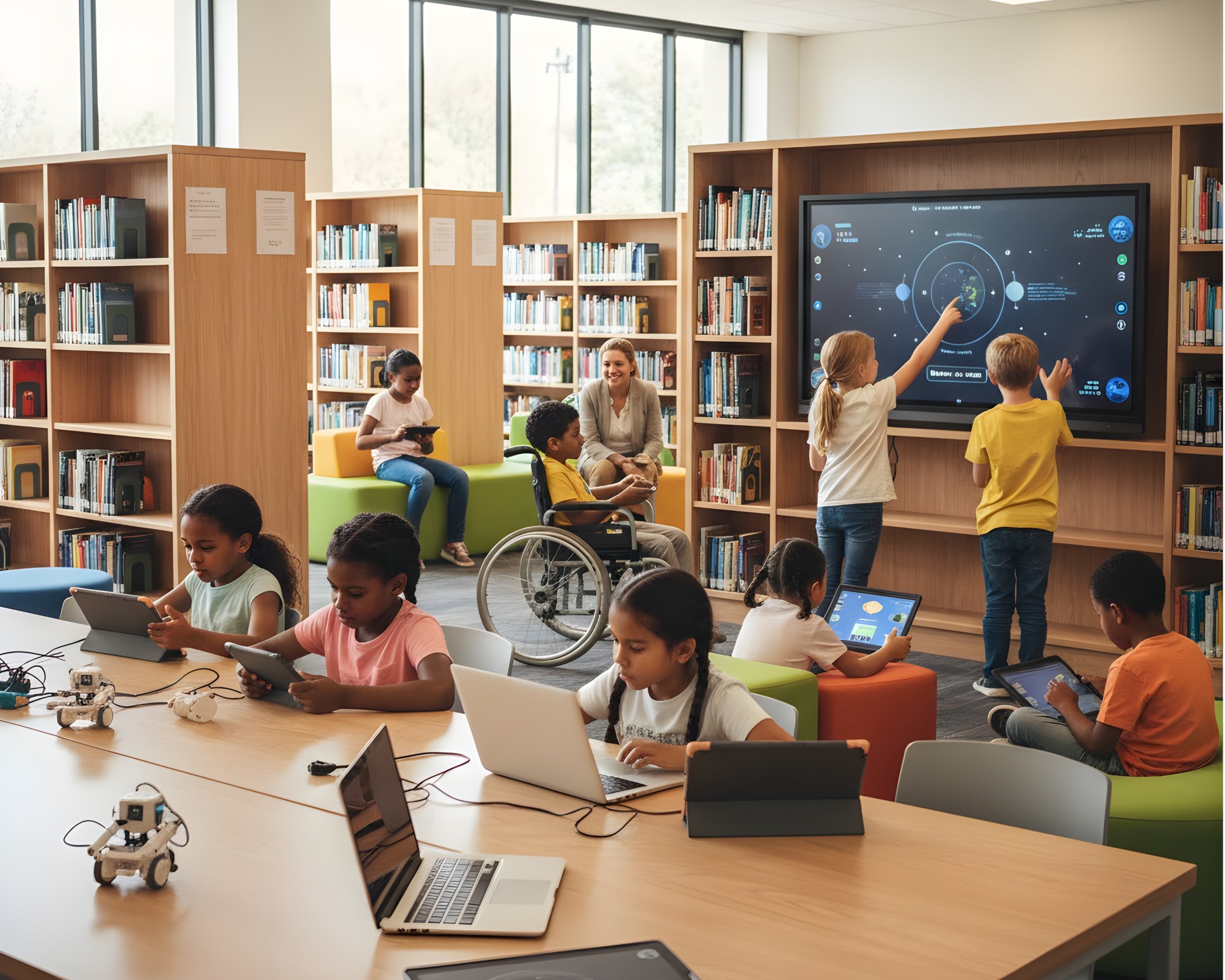
Good IT planning is not just about replacing old devices. It gives staff a reliable base for coding, robotics, multimedia, online assessment and everyday classroom technology.
That means identifying the network, device, licence and support work before the curriculum project depends on it.
Know what you own, who uses it, where it lives, how old it is and whether it is still supported.
Turn emergency purchases into planned refreshes that fit capital budgets, funding windows and the school calendar.
Advice on specifications, comparable options, finance and the practical implications of buying the cheapest device.
A clear case for governors or trustees: what the risk is, what the improvement costs and what happens if it waits.

10
Switching IT providers should not leave your school without support.
Schools delay a change because the handover looks risky. That is understandable. A poor handover can leave old supplier accounts live, backups unverified, domains out of reach and staff unsure who to contact when something breaks.
We handle the handover in a structured order. We take the documentation, check ownership of the important systems, deploy our monitoring and make sure staff have a route to support before the previous provider steps back.
Your data and accounts should remain yours
That is not a sales promise. It is the baseline for a proper handover. Your Microsoft tenant, domains, backups and school data should not be trapped behind an IT provider’s account or contract.
Book a free school IT & security audit
We will give you a clear view of the gaps, quick wins and next steps. The first review looks at the school’s support model, Microsoft 365, accounts, backup position, Wi-Fi and network foundations, filtering and monitoring, cyber basics and DfE standards progress.
- A practical conversation with no hard sell.
- Priorities explained in plain English for school leaders, governors or trustees.
- A plan that distinguishes urgent risks from work that can be budgeted and phased.
- For trusts, the option to assess one site first or create a baseline across the estate.
Book a school IT & security audit
The form is hosted in HubSpot so your enquiry is routed to the education team. Or call 0330 66 00 281.
12
IT support for schools: FAQs
References and useful links
- Department for Education, digital and technology standards for schools and colleges
- Department for Education, IT support guidance
- Department for Education, filtering and monitoring core standard
- Department for Education, Connect the Classroom
- Department for Education, Keeping Children Safe in Education
- Department for Education, Academy Trust Handbook, digital and technology standards
- National Cyber Security Centre, Cyber Essentials
- National Cyber Security Centre, Protective DNS for Schools
Managed IT support schools by Remedian IT Services
Discover what other services we offer.
Secure Backup
A Secure Backup Solution from Remedian I.T. keeps your personal and business data secure and encrypted; both on and offsite to get your business back up and running with the minimum of downtime.

Broadband & WiFi
In our interconnected world your business needs to be online 24/7. Our managed broadband and WiFi will provide quick, quality connection to get the job done. Speak to our sales team to get connected.

Connection Monitoring
By monitoring your internet connection, we can detect any problems and respond to them before they become major issues, keeping you connected and working towards your goals.
Phone and CCTV Systems
Digital phone systems provide you with premium features and flexible plans that grow with your business, from single handsets to full office installations. Ask us about an HD CCTV system and access control to monitor your premises and keep your offices as secure as your data.
Mobile Device Management (MDM)
Our MDM solution enables you to efficiently install and remove apps and add shortcuts to iPads. It also ensures that data remains secure by allowing you to remotely lock and erase it.

Curriculum Support
Our curriculum advisor has more than 15 years of teaching experience. They can help you create and improve your computing curriculum and use of I.T. This support extends across the entire school.


.png?width=150&height=64&name=output-onlinepngtools%20(2).png)
.png?width=229&height=97&name=output-onlinepngtools%20(2).png)